

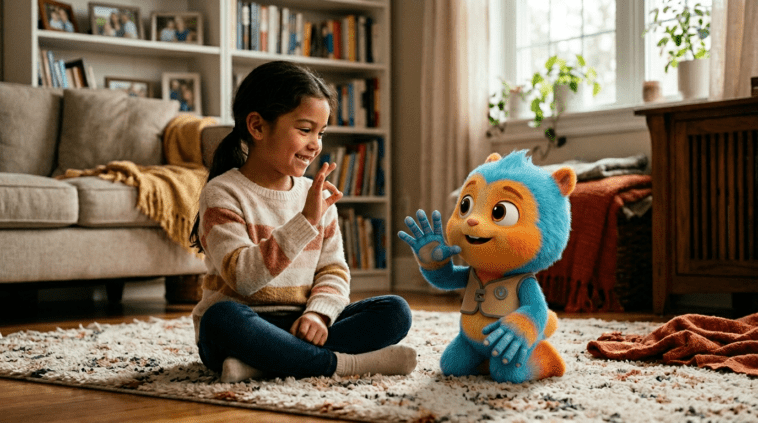
You probably saw the video. A little boy in cochlear implants, sitting in a movie theater, signing to Woody and Buzz on screen — and watching his face light up as they sign back. It went viral for good reason. It was genuine. It was beautiful.
But here is what the video does not show: the years of arguing, the prototype scripts nobody wanted to read, and the moment an accessibility consultant nearly quit because nobody was listening.
The Advocate Who Would not Drop It
Marlee Matlin probably gets tired of being called the deaf actress. She is also a producer, an activist, and someone who has spent two decades pounding on Hollywood door. When she first pitched inclusive accessibility features for animated films, she hit the usual wall — budgets, timelines, we will look into it.
But Matlin kept showing up. She partnered with the National Association of the Deaf and started meeting directly with animation studios. Her argument was simple: accessibility is not a special feature. It is a design choice. Make it once, make it right, and it serves millions of viewers who were previously locked out.
The breakthrough came when Pixar leadership shifted. A new generation of animators — several of whom had family members with hearing loss — started asking the uncomfortable questions in internal reviews. Why cannot our characters sign?
How ASL Integration Actually Works
Contrary to what many assume, adding sign language to an animated film is not just putting hands on screen. There are technical challenges. Character models need to move authentically — not just any gesture will do. ASL has its own grammar, its own facial grammar, its own cultural context. A deaf child watching will immediately spot a fake.
Pixar worked with certified interpreters to create new animation rigs for Woody and Buzz arm movements. The facial animations — particularly Buzz eyebrows, which carry significant emotional weight in ASL — required rework. It added time. It added cost. It also added something studios had not anticipated: deeper emotional resonance for all viewers.
Research has consistently shown that inclusive design improves products for everyone. Curb cuts help wheelchair users, but also delivery workers, parents with strollers, and travelers with luggage. Sign language is not different — it is an enhancement that rewards attention to detail.
The Boy in the Video
The child in the viral clip is 7-year-old Caleb. His parents, both hearing, discovered his deafness at birth and immediately began learning ASL. They were not seeking publicity. The video was originally posted to a small family group. A relative shared it wider. It spread.
What strikes anyone watching is not just Caleb joy — it is his fluency. He signs with the ease of someone who has been doing it his whole life. Because he has. His parents made that choice early, and it shaped everything about how he experiences the world.
When Pixar reached out to the family after the video went viral, they offered to arrange a private screening with a modified edit — full ASL scenes, extended moments. Caleb reportedly watched three times in a row.
What This Moment Actually Means
The internet loves a heartwarming story. It shares quickly, feels good for a day, then moves on. That is the nature of viral content. But the people who built this moment — the advocates, the animators, the accessibility consultants who pushed back against good enough — they are hoping for something more lasting.
Matlin has said it plainly: one video does not fix a system. Studios need to build accessibility into their pipelines from day one, not bolt it on after premiere. They need to hire deaf writers, deaf consultants, deaf voices in the room when decisions get made.
Is that happening? Slowly. Not fast enough. But the video exists, and now millions of people have seen what they did not know was missing.
Maybe that is where change actually starts.
GIPHY App Key not set. Please check settings